Testing notice
GetSaaSWatch is still in final checks before we call it fully open—please expect a few more days of tuning. You can still sign up now; we will treat early usage as valuable feedback, and copy or behavior may shift slightly. If you have hard requirements for security, procurement, or finance workflows, tell us so we can plan accordingly.
See every AI and SaaS subscription in one place
Control spend, reduce waste, and stay ahead of renewals.
New workspaces get 14 days of full Pro with no card required. You can stay on Free or upgrade anytime.
Why GetSaaSWatch
Built for finance and IT teams that need clear ownership and fast action.
Security & data handling
We are early-stage and intentional: the points below are how the product actually works today—clear boundaries, written policies, and infrastructure choices you can review like any serious SaaS vendor.
- The web app is served over HTTPS, with sign-in and API access gated behind authentication.
- Our Privacy Policy and Terms explain what we collect, how optional browser extension and desktop agent telemetry works, and who our subprocessors are (for example authentication, database, and hosting providers).
- Stripe Connect reads subscription billing metadata you authorize. We do not store full payment card numbers.
What this is for (in plain terms)
- A living subscription inventory from Stripe—so finance and IT are not maintaining fragile spreadsheet exports.
- A single alerts workflow for renewals, price spikes, unused seats, Shadow IT, and ownership—beyond what the native Stripe dashboard is optimized to surface day to day.
- Optional on-device reporting (browser extension and/or desktop agent) only when your workspace admins turn it on; scope and rollout stay under your organization’s control.
What you get in the workspace
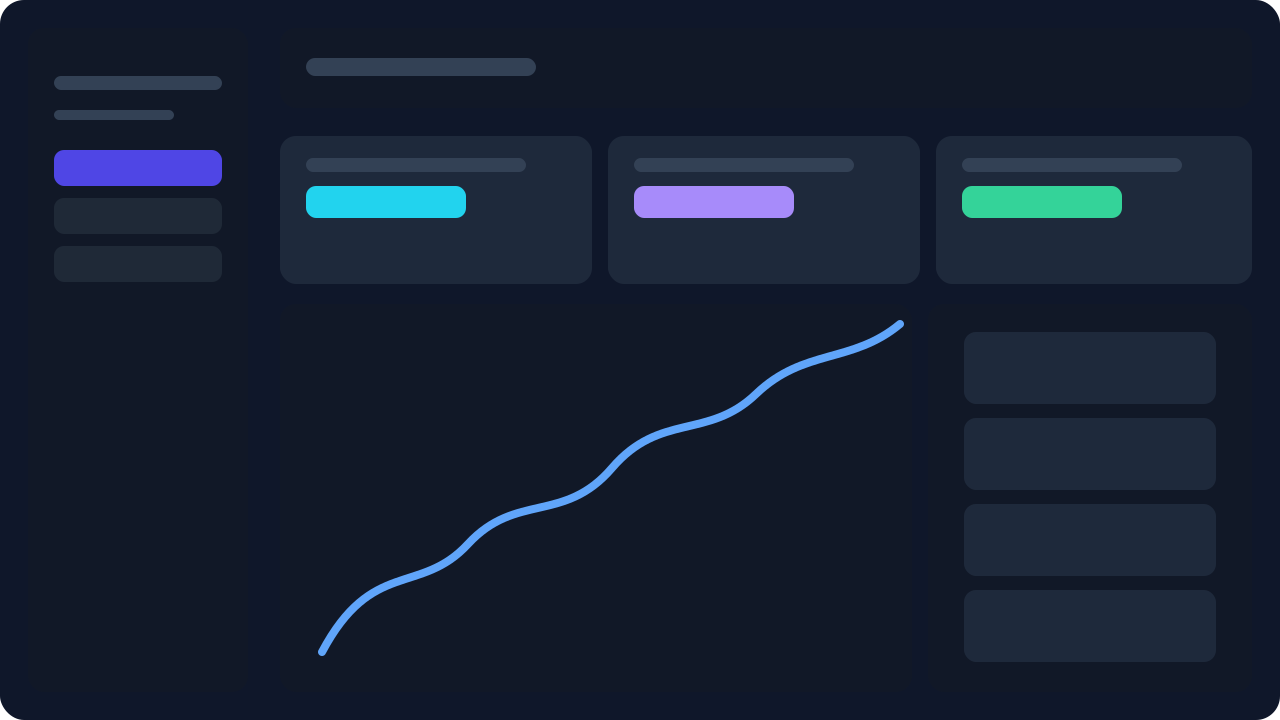
Connect Stripe for a live ledger, scan health on the Overview, triage signals in Alerts, then go deep in Reports. Optional email digests live under Settings → Notifications.
Stripe-backed subscription ledger
Connect once. We sync active lines from Stripe so finance and IT share one source of truth—refresh whenever you sync.
- Connect once with Stripe—active lines stay the system of record.
- Refresh from the app whenever finance or IT needs an up-to-date ledger.
- Ownership, department, and category fields stay aligned with your workflow.
Overview at a glance
Spend totals, category mix, savings signals, and a snapshot of open alerts. Recent history on Free; longer ranges where your plan unlocks them in-app.
- Totals, category mix, savings signals, and open alerts on one screen.
- Spot drift early before renewals and invoices surprise stakeholders.
- History depth follows your plan; longer ranges unlock where noted in-app.
Alerts in one queue
Review duplicate tools, billing spikes, above-reference spend (est.), unused seats, Shadow IT, and more. Snooze, drill into details, or jump to Subscriptions—actions follow your plan.
- One queue for duplicates, spikes, unused seats, shadow IT, and more.
- Snooze noise, open detail, or jump straight to the subscription row.
- Actions and automation follow the plan you are on—no hidden side channels.
Reports & exports
Trends, department rollups, category mix, and top tools—then CSV or PDF when you need a stakeholder-ready pack. Same monthly-equivalent basis as Overview.
- Trends, department rollups, and top-tool views for finance reviews.
- Category mix and monthly-equivalent basis match what Overview shows.
- CSV and PDF when your plan includes exports—ready for email or archives.
A focused team, full intent
We stay lean on purpose: you get direct answers, fast iteration on roadmap items that matter for finance and IT, and policies you can read today—not placeholder marketing. We will add public proof points as they become true. For deeper due diligence, integrations, or annual terms, email us and we will match the depth you need.
Pricing
Start with a 14-day full Pro trial (up to 5 active endpoint seats). Upgrade when you're ready to keep full workflows enabled.
About GetSaaSWatch
GetSaaSWatch helps teams run software spend like a product: clear ownership, clear signals, and repeatable actions.
We focus on organizations that already trust Stripe for payments but still need cross-tool classification, responsible owners, and alert-driven follow-through across AI and traditional SaaS.
Early customers shape what we build next; we invest in reliability, clarity, and governance depth first—then in the homepage polish that matters once teams depend on the product week after week.